



Works with any SIP PBX
Standard SIP keeps it compatible with most PBX platforms, so it registers against the system you already run.
Business Phone · Softphone
Your business line on the desk, the laptop and the phone in your pocket
The HBE Yakabit Softphone turns the devices your team already owns into full business extensions. It is a SIP application, not a separate phone service—it registers against your existing PBX and carries HD voice, video, messaging and conferencing over the internet connection you already have.
One account follows each person across Windows, macOS, Linux, iOS and Android, so a call answered at a desk can carry on from a handset without the caller ever knowing.
Overview
A softphone is a business phone that runs as an app, on the devices your team already carries.
Yours keeps the number, the extension and the call handling your team is used to, and adds the things a desk phone cannot do—video, chat, file sharing and presence—on whatever device is closest. It registers against the SIP PBX you already run rather than replacing it, so the switch is a change of handset rather than a change of phone system.
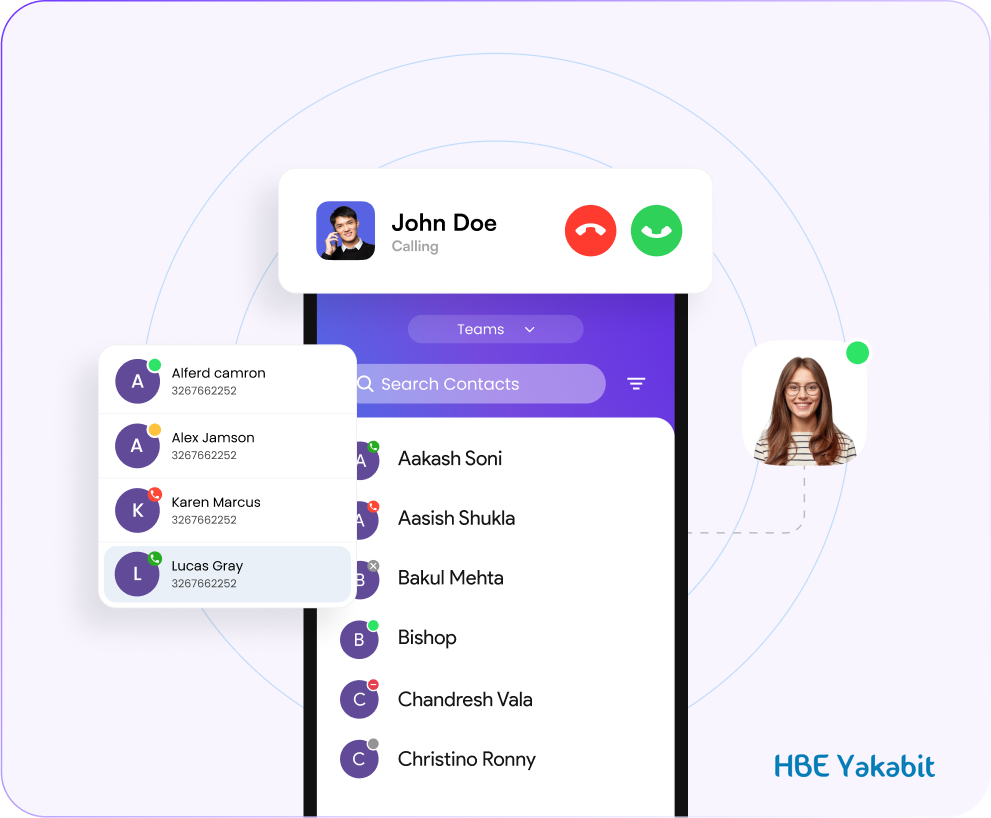
It replaces a desk-bound handset with an app that runs on what your team already carries, while keeping the extension, the directory and the call handling they are used to.
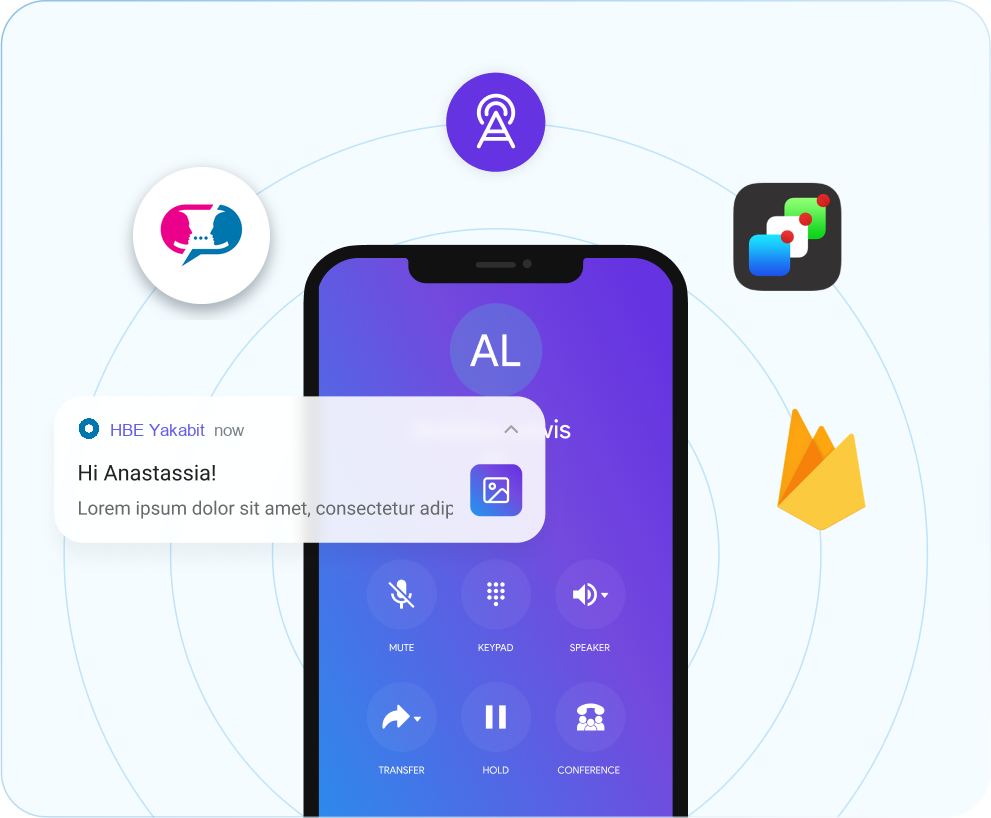
Push notifications wake the app so an incoming call rings the handset rather than going to voicemail, and the conversation carries on in whichever tool the team already works in.
Standard SIP keeps it compatible with most PBX platforms, so it registers against the system you already run.
HD calls, video and one-to-one or group chat with SMS, MMS and file sharing in a single app.
Automatic call distribution, IVR menus, queueing and call recording, without a separate contact-centre product.
Staff off-site work from the same extension and directory as the office, on whatever connection they have.
Auto-provisioning from a central dashboard brings hundreds of users live without touching each device.
Extensions are added from a web portal, so growth does not mean significant infrastructure changes.
Softphone · 01
For teams whose day is the phone. Agents work from one window on Windows, Mac or Linux, and supervisors get the visibility they need to keep queues moving.
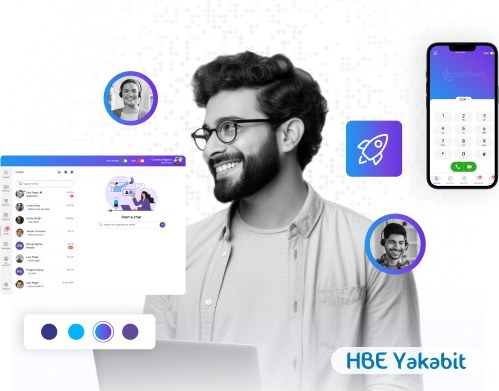
The dialler, the directory and the conversation share one window, and the interface works the way a desk phone does — so there is very little for staff to learn.
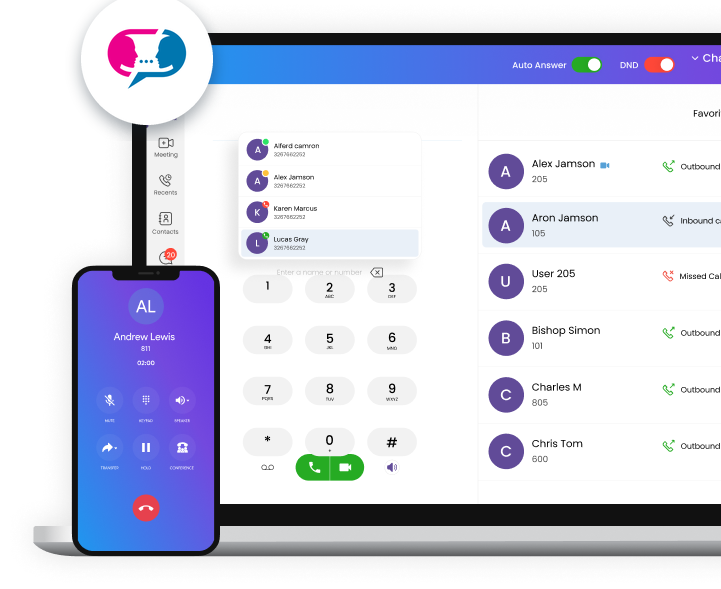
Agents see who is waiting, who is on a call and who is free without leaving the screen they take calls on. Supervisors get the same view, plus the recordings and metrics behind it.

Everything an agent needs is one screen and one headset — no switching windows between the dialler, the directory and the customer record.

Audio and video hold up across the connections real offices actually have, and every session is encrypted in transit rather than only at the edges.

The client installs on Windows, Mac and Linux. Where a machine cannot take an install — a shared desk, a contractor’s laptop — it runs in the browser instead.
Customisable interactive menus answer and place calls, with load balancing by department to cut hold times.
Works with EPOS, Sennheiser, Jabra, Poly and Yealink, over standard USB, Bluetooth and call-centre headsets.
Agents open a caller's history as the call arrives, and dial from a quick-search directory synced with Outlook.
Softphone · 02
The same extension your team answers at the desk, on the phone already in their pocket.
The business line travels. On iOS and Android the app carries the same extension, directory and call handling as the desk, so staff away from the office are still on the phone system rather than a personal number.
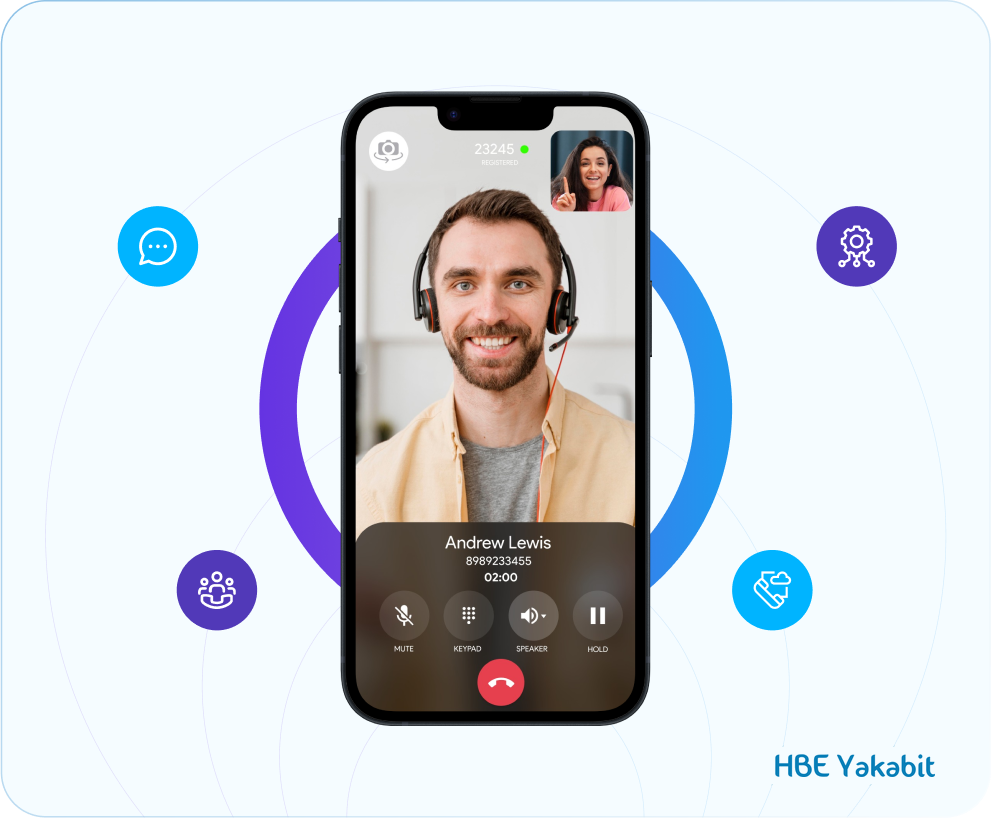
Staff away from a desk stay on the phone system rather than falling back to a personal number. The extension, the directory and the call controls travel with them.

The handset registers against the PBX you already run, so mobile staff appear on the system as their own extension rather than as an outside number.
Hold, transfer, mute, forwarding, recording and redial—the same controls the desk client has, sized for a handset.
Colleagues see availability in real time, so calls are not transferred to someone already engaged.
Multiple caller IDs let staff present the right number for the campaign, region or department they are calling on behalf of.
Softphone · 03
For staff who move between desk, home and site. The same client installs on Windows, macOS and Linux and needs nothing more than the internet connection already in front of them.
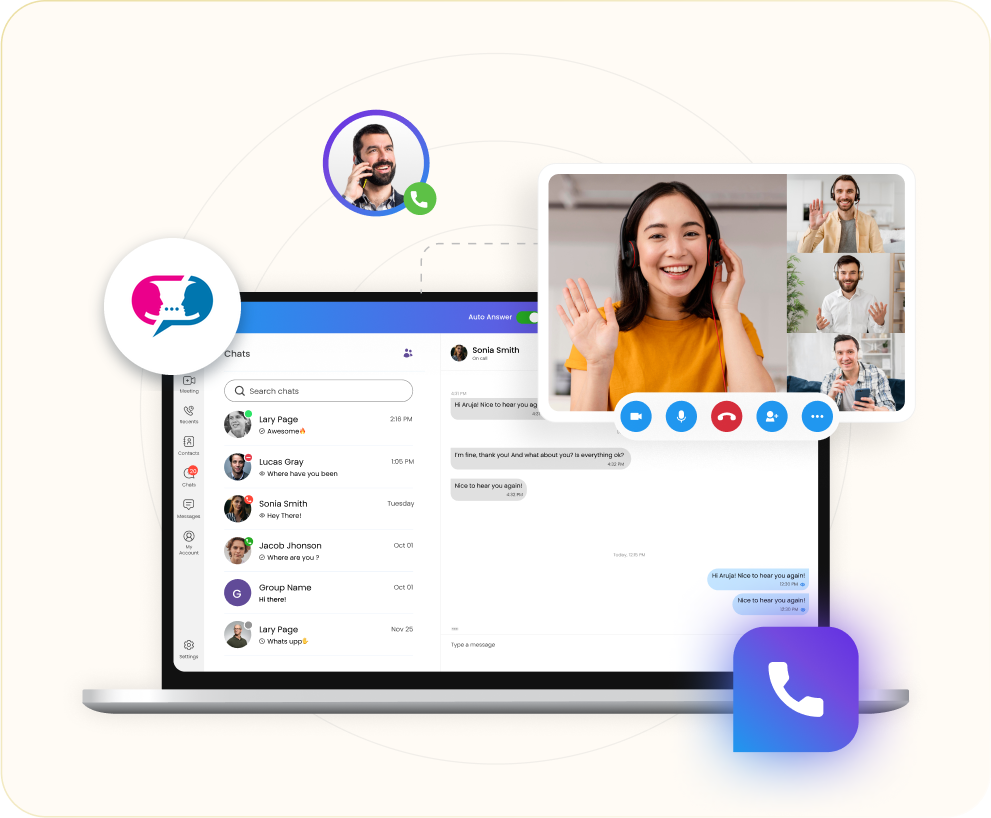
One client installs on Windows, macOS and Linux, so a mixed fleet does not mean a mixed phone system. Video, conferencing and file sharing come with it.

On a laptop the app widens out: message threads on one side, the call on the other, with files shared straight into the conversation.
HD video calls and VoIP conferencing with file sharing, for the meetings that do not need a meeting room.
Standard SIP keeps it compatible with most PBX platforms, so it fits the system you already own.
A multilingual interface for teams that are not all working in the same language.
Tell us how many extensions you run and which PBX you are on, and HBE Yakabit will scope the rollout with you.


